


4 hours ago
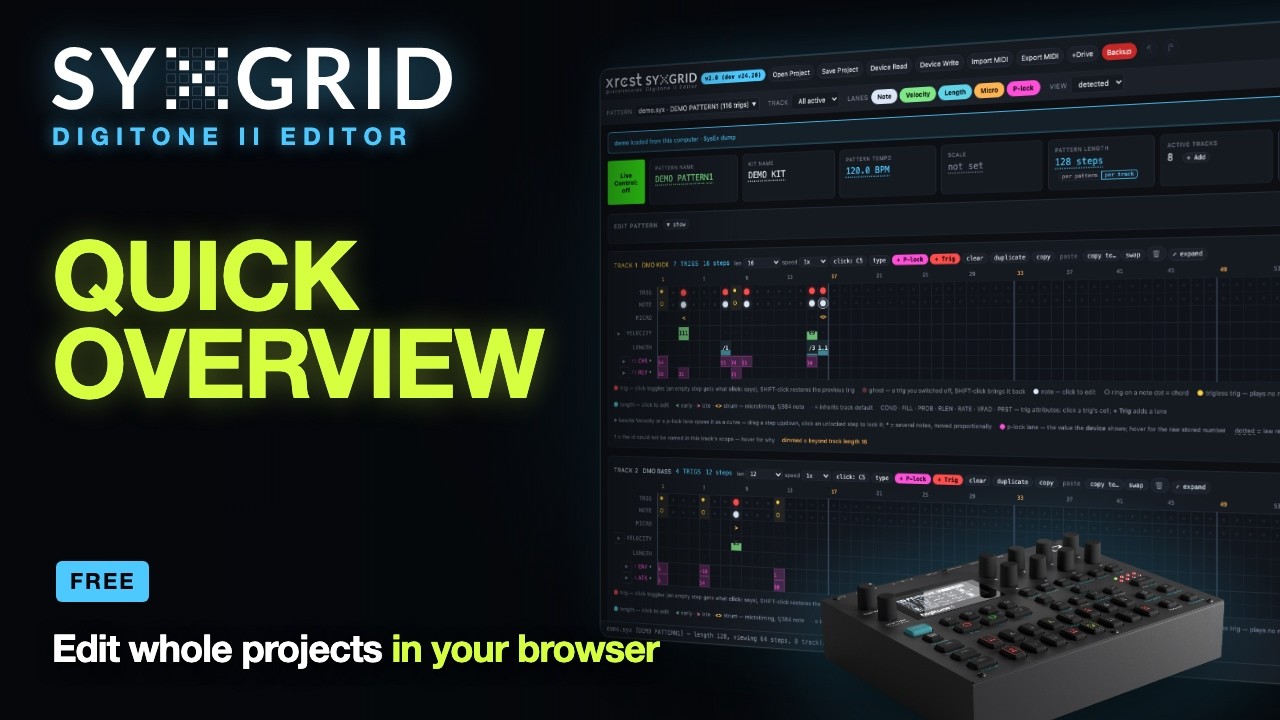
SYXGRID v2 is out. It is a free editor for the Digitone II that runs in your browser: open a whole project, edit the sequence and the sounds, and put it back on the device. No install, no account, stock firmware.
App: https://syxgrid.xrcst.com
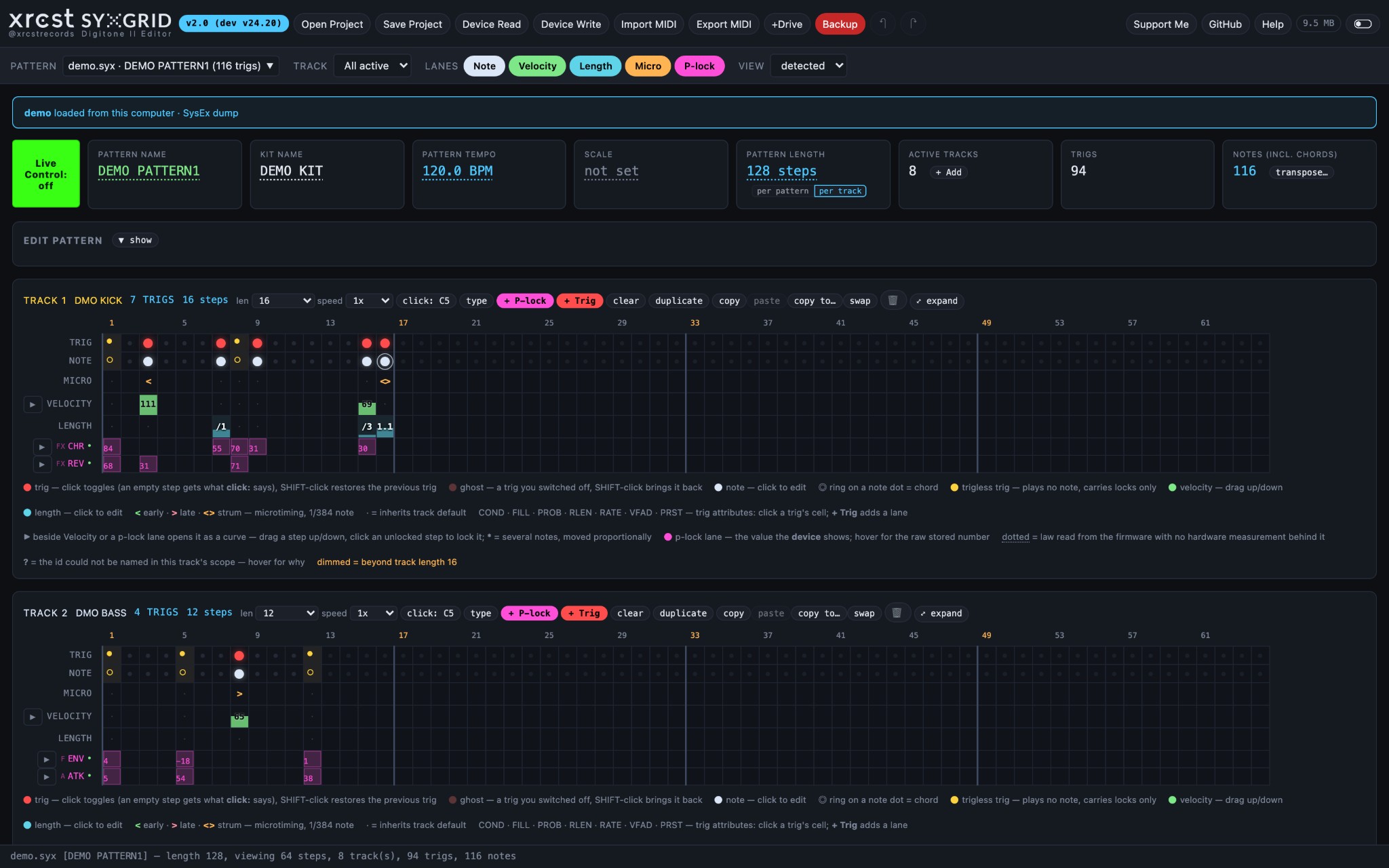
Source: https://github.com/xrcstrecords/syxgrid-digitone-ii
Video (10-minute overview):
What changed since v1
v1 edited the sequencer of one pattern from a SysEx dump. v2 works on the whole project.
Good to know
The format was mapped by measuring the hardware, and the map is public in the repository for anyone to build on. Thanks to the people whose work helped along the way — digi-roll, DNX, elektroid, libanalogrytm, digitone-syx-toolkit, dn2_firmware_explore, digikit, elk-herd and the Elektronauts pattern-manager thread. They are credited in the README.
It is free, and it will stay free. If it saves you time: https://xrcst.com/support/index.html
Found a bug or have an idea? Help → Report a bug… in the app opens a GitHub issue with your version and browser ready to paste: https://github.com/xrcstrecords/syxgrid-...-ii/issues
App: https://syxgrid.xrcst.com
Source: https://github.com/xrcstrecords/syxgrid-digitone-ii
Video (10-minute overview):
What changed since v1
v1 edited the sequencer of one pattern from a SysEx dump. v2 works on the whole project.
- Straight from the +Drive. Read a project off the device in seconds, write it back into a project slot (read back to verify), back up every project into one .zip, restore it. A +Drive manager renames, copies, moves and swaps projects, kits and presets.
- Sounds. Every preset page the device shows — TRIG, SYN, FILTER, AMP, FX, MOD, SETUP, ARP — with knobs you drag. Swap a track's preset from the pool, a kit or the +Drive library; save presets to disk, the pool or the +Drive.
- P-locks, decoded and editable, with lanes you can open as curves and draw.
- Trig conditions, probability, retrigs and fills, editable per trig.
- The kit: levels, FX and mixer, compressor routing, track layering, voice setup.
- Keyboard setup, scales and chord memory. Click a step to place a chord from the pattern's scale, voice-led from the previous trig.
- MIDI out to your DAW: .mid and .alc, with p-locks as CC, trig conditions played out, retrigs as notes, or all 16 tracks in one file.
- Digitone I projects open as their Digitone II conversion.
- Live Control (optional, off by default): the app and the device share knob moves both ways, and the step the device is playing lights up on screen.
- 100 levels of undo, a light theme, and help rewritten for all of it.
Good to know
- Talking to the device needs Web MIDI: Chrome, Edge, Brave or Opera. Firefox asks for permission; Safari cannot.
- Back up first. It writes real data to real hardware; the Backup button saves every project in one go.
- It works with stock firmware: OS 1.10E, 1.11 and 1.12.
- There is a Demo button if you want to look around without a Digitone.
The format was mapped by measuring the hardware, and the map is public in the repository for anyone to build on. Thanks to the people whose work helped along the way — digi-roll, DNX, elektroid, libanalogrytm, digitone-syx-toolkit, dn2_firmware_explore, digikit, elk-herd and the Elektronauts pattern-manager thread. They are credited in the README.
It is free, and it will stay free. If it saves you time: https://xrcst.com/support/index.html
Found a bug or have an idea? Help → Report a bug… in the app opens a GitHub issue with your version and browser ready to paste: https://github.com/xrcstrecords/syxgrid-...-ii/issues
SYXGRID — free, open-source pattern and sequence editor for the Elektron Digitone II. Runs in the browser; includes a public SysEx format map.