DigiCandy
Eye Candy for your digis, on command...
A full-panel overlay mod for the Elektron Digitakt mk1 (OS 1.53) and
Digitone mk1 / Digitone Keys (OS 1.43). Press a key combo and the machine's
screen is covered by a 128x64 image while everything keeps running underneath;
press the combo again to remove it.
- Digitakt:
TRK + YES
- Digitone:
MIDI + YES
No delay — it fires the moment the combo is pressed. Built for
elekloader and needs its core mod.
Work in progress. Tested on real hardware — expect the occasional rough
edge, and see Known bugs.
What's here
This repository ships ready-built .elemod overlays (releases/) and the
tools to build your own from your own images. It does not distribute
source images or GIFs — see NOTICE.md for the terms.
Grab the packaged downloads from the
Releases page
(digicandy-v1.0) or use the .elemods in releases/ directly.
release (-dt / -dn) |
frames |
planet1, catbooting, mount, pfft |
1 |
aba |
3 |
bzme |
14 |
digitrash |
15 |
reach, claw |
18 |
loox |
35 |
tussy |
59 |
tidemoon |
60 |
-dt is Digitakt mk1, -dn is Digitone mk1 / Keys. Animated overlays advance
one frame per panel present.
Previews
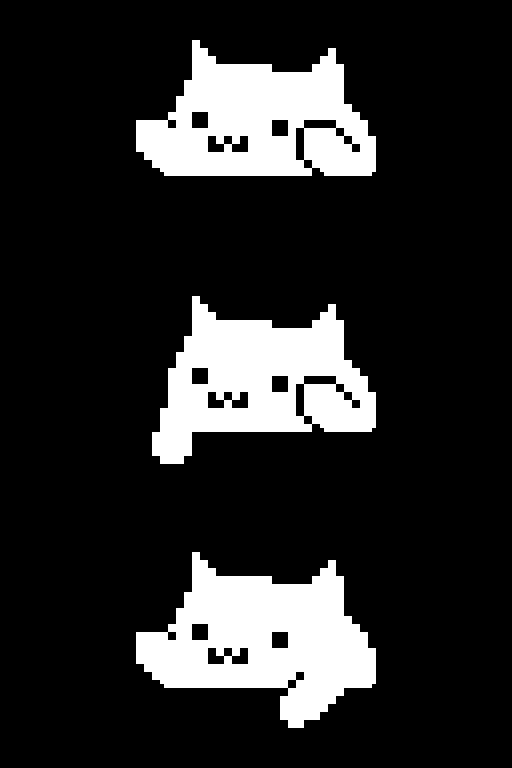
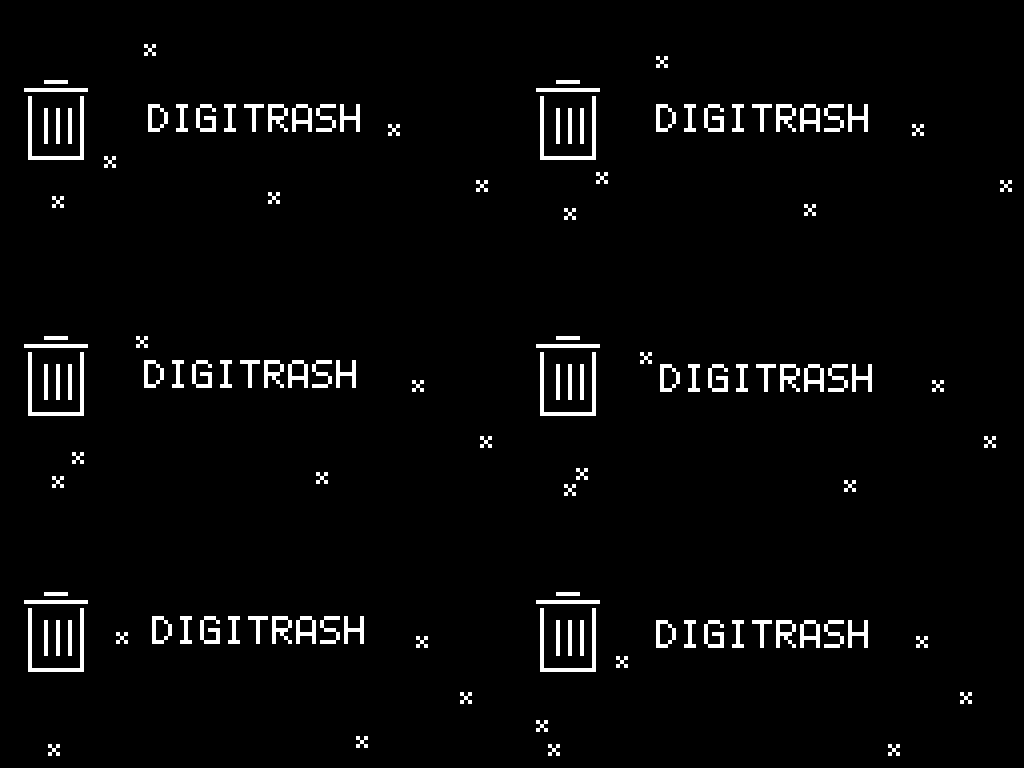
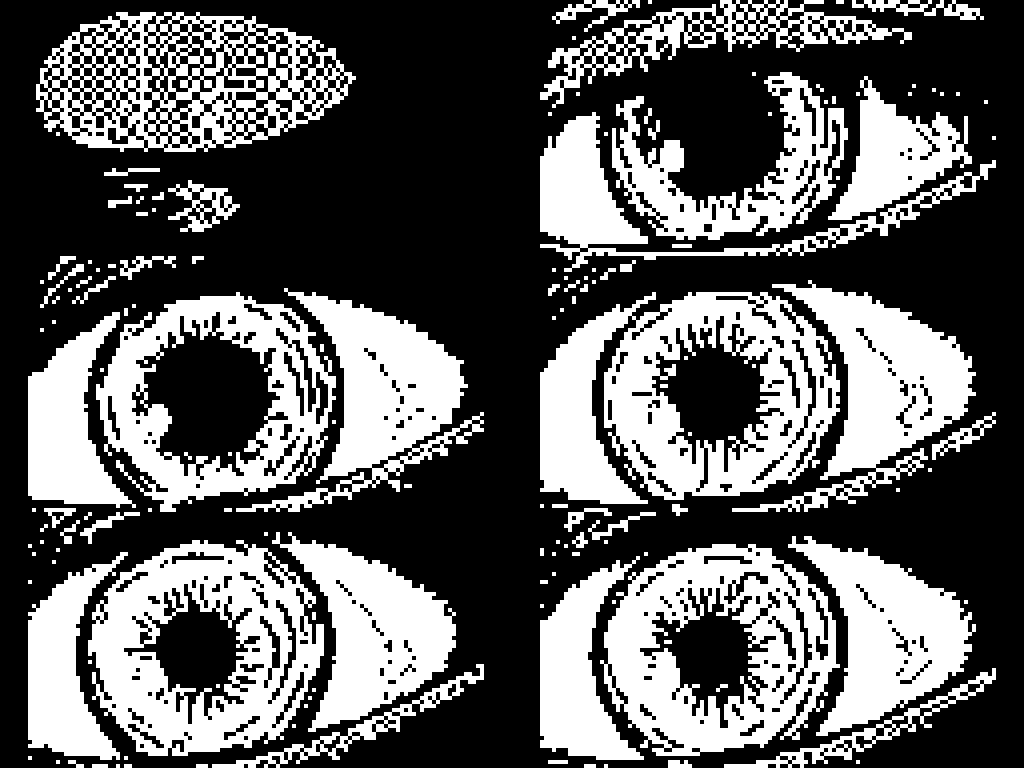
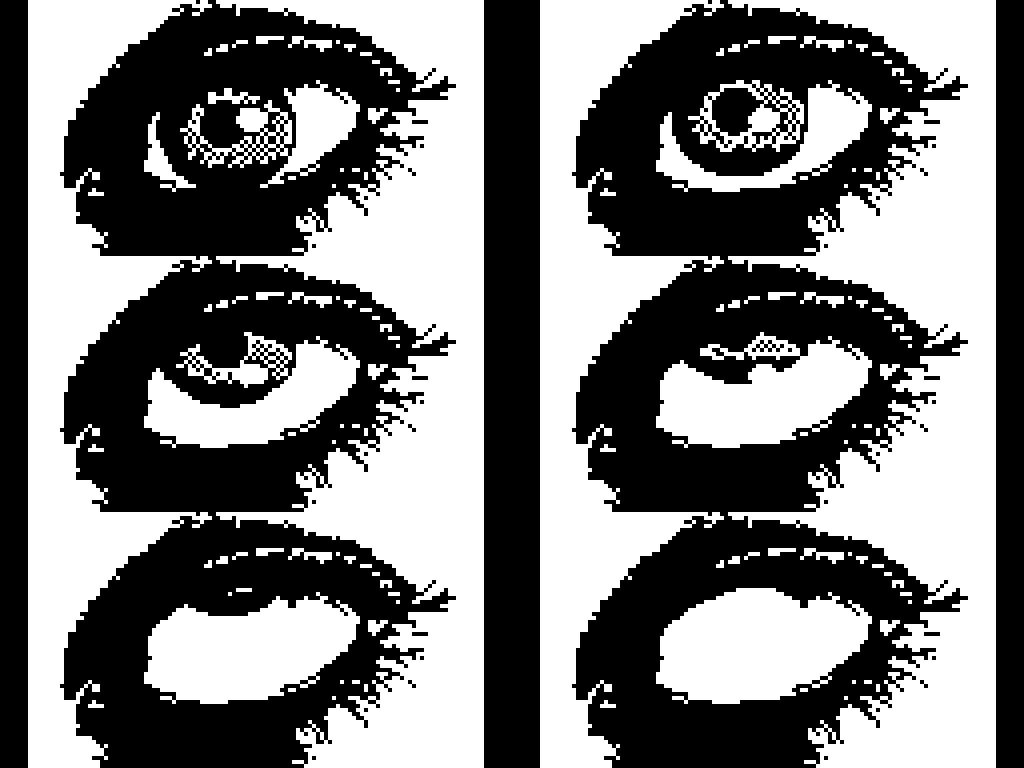
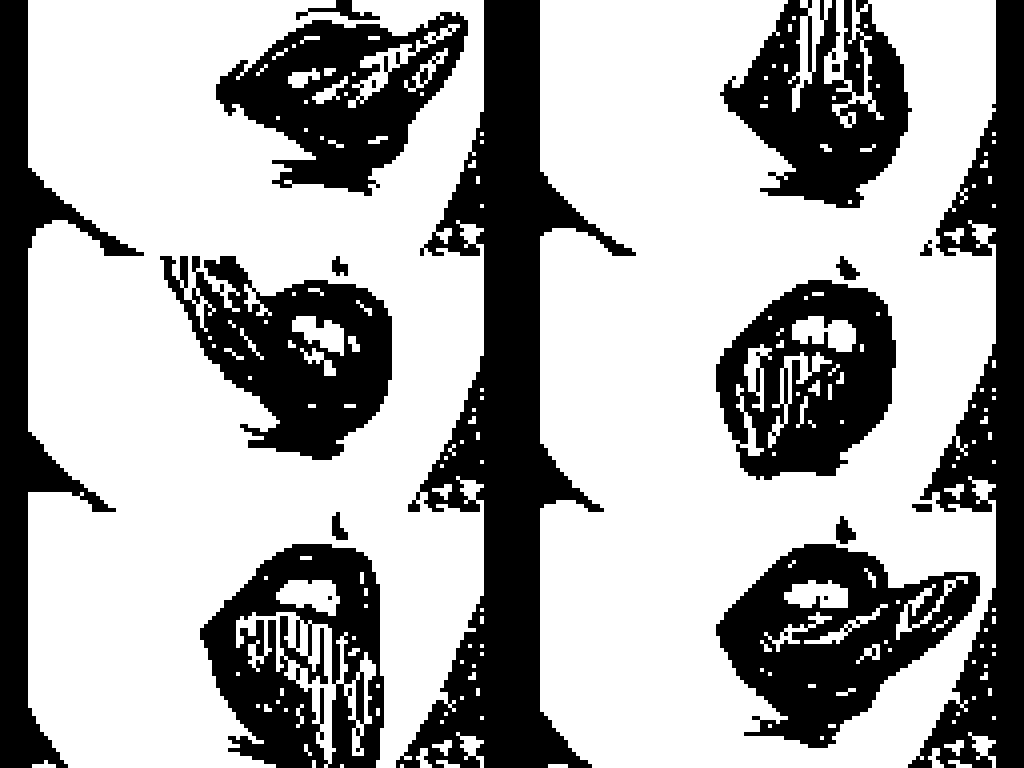
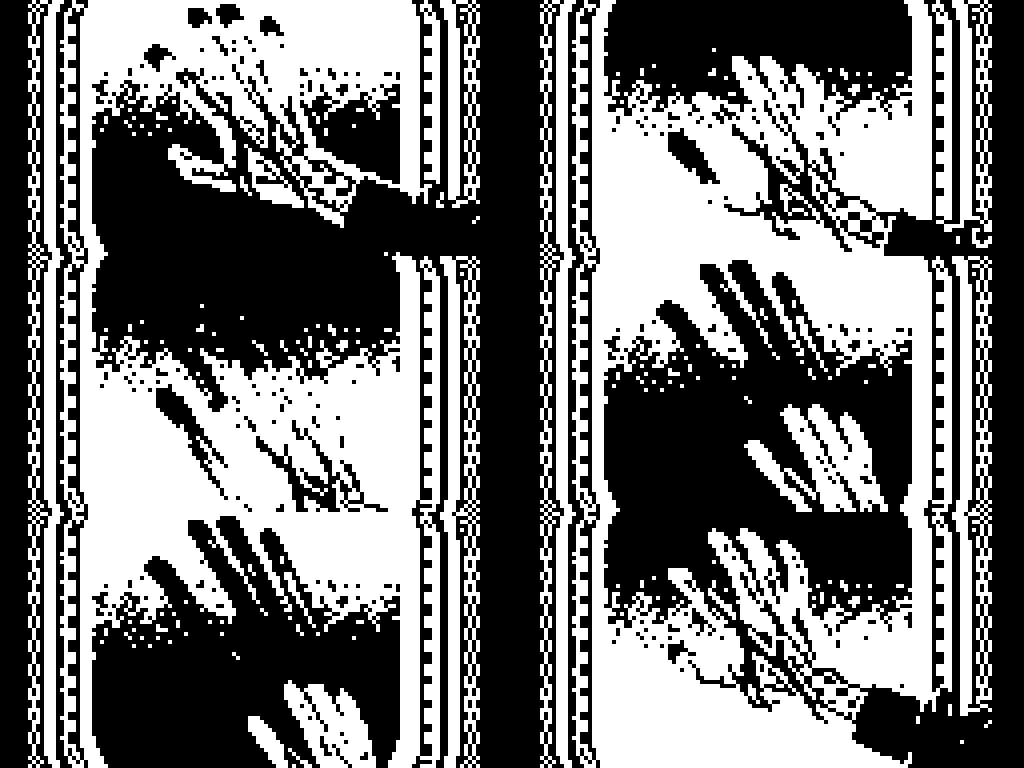
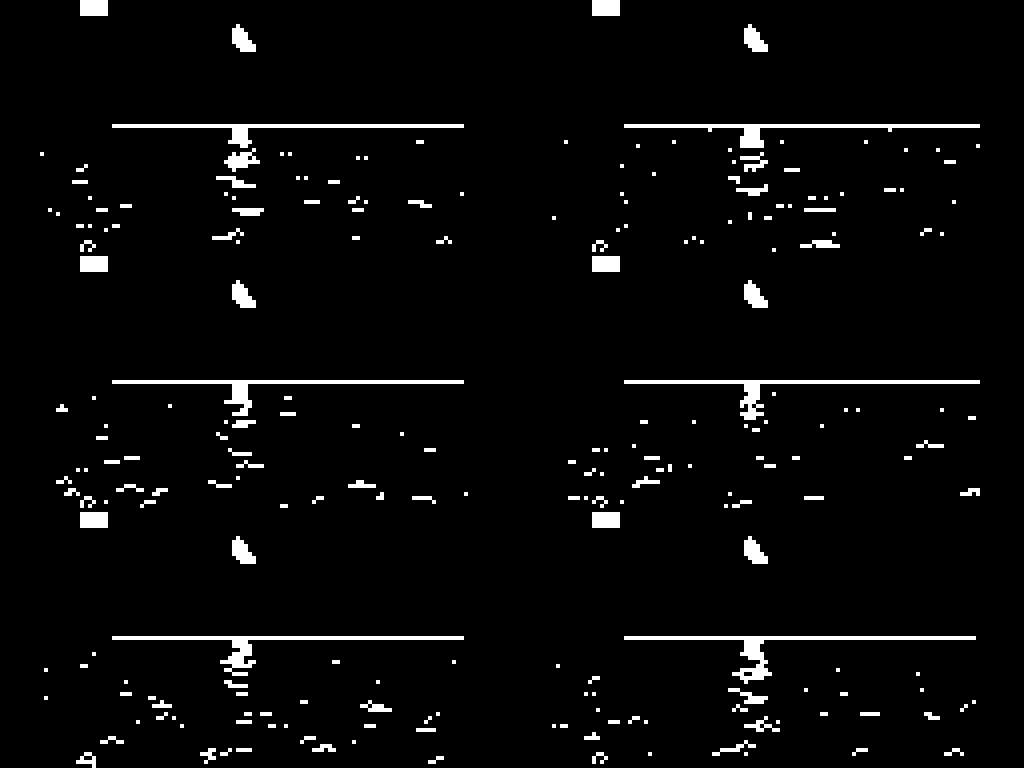
The same graphics, captured on the panel (from the
DigiSplash project):
Layout
releases/<name>-<dt|dn>.elemod   ready-built overlays
tools/make_machine.py            image -> mod folder
tools/gen_all.py                 regenerate every mod from a local art/ tree
tools/build_all.py               build every local mod with elekloader
docs/INSTALLING.md               patch, flash and recovery
docs/TECHNICAL.md                the hooks, records and addresses
docs/BUILDING.md                 toolchain and build steps
Use a release
Patch a stock OS with core and the .elemod, then flash it — see
docs/INSTALLING.md:
cd elekloader
python -m elekloader.patch --stock Digitakt_OS1.53.syx \
    --mod mods/core/out/core-2.1.elemod \
    --mod ../DigiScreen/releases/planet1-dt.elemod --out digiscreen.syx --version 2.0z
Make your own
python tools/make_machine.py logo.png      -o mods/logo-dt
python tools/make_machine.py anim.gif --dn -o mods/anim-dn
python tools/make_machine.py frames/       -o mods/anim-dt   # a folder of PNGs
Inputs are a PNG, a GIF, or a folder of PNG frames (up to 60 frames). Images
are scaled to 128x64; an exact integer multiple (e.g. 512x256) is reproduced
pixel for pixel. --dither uses Floyd-Steinberg instead of a hard threshold;
--invert swaps ink and paper. Then build the folder with elekloader and patch
it in. See docs/BUILDING.md and
docs/TECHNICAL.md.
Easter Egg
- Long-press the modifier (
TRK on the Digitakt / MIDI on the Digitone)
to play the animation smoothly.
- Turn a knob to advance frames. On a MIDI track, open the Filt page
and move an active knob to step the animation along.
Known bugs
YES can re-open the overlay after you exit it. After turning the overlay
off, a lone YES press sometimes toggles it straight back on. Workaround:
tap the modifier (TRK on the Digitakt / MIDI on the Digitone) twice to
clear the latch first, so YES on its own does nothing.
Licence
Code and tools are GPL-2.0-or-later (see LICENSE). The overlays are
provided for personal, educational and non-commercial use. Independent; not
affiliated with or endorsed by Elektron. No Elektron firmware is included — see
NOTICE.md.